
Tally Counter: Click Counter
A tap-anywhere click counter with many named counters, volume-key counting, daily history and a home-screen widget — no full-screen ads, no subscription, no account.
No account · Works offline · No pop-up ads · 8 languages
Problem
Counting by hand is a daily job for door staff, knitters, stock-takers and anyone doing reps, and the counter apps that lead Google Play interrupt it: full-screen ads in the middle of a count, a yearly subscription for what is a button and a number, fast taps that do not register, and counts lost after an update. The ones without ads have not been updated in a year or more.
Solution
I built a counter where the whole screen is the button and nothing ever pops up over it. Taps change the number in memory first and are written to storage behind it, so fast counting is never slowed down or lost; the volume keys count too. Each counter has a name, colour, step and target, keeps a total per day and a log of resets, and can sit on the home screen as a widget. The constraints that shaped it: no account, no microphone, no full-screen ads at all, and Pro as one payment.
Five counters, two weeks of counting
The data is the same in every language of the store listing, with the counter names translated.
Swipe to see more screens →
What it does
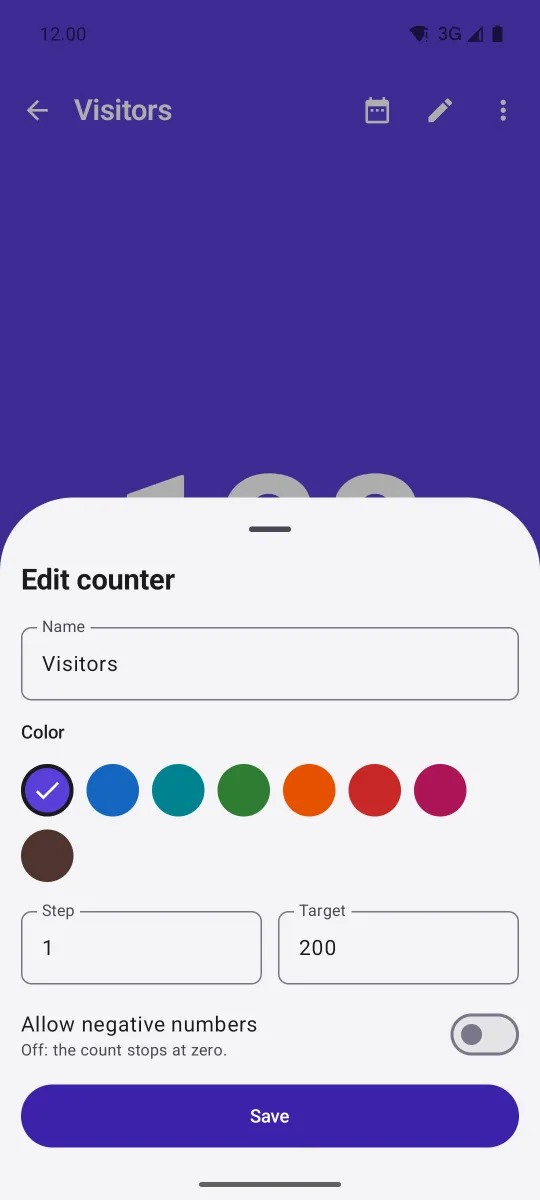
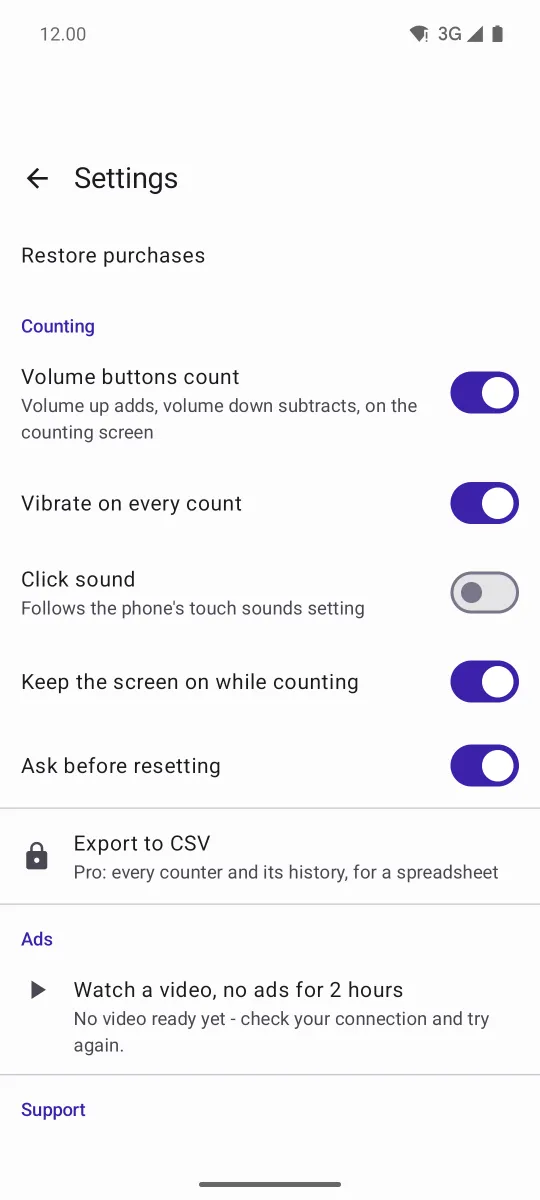
In the same order as the screenshots above.
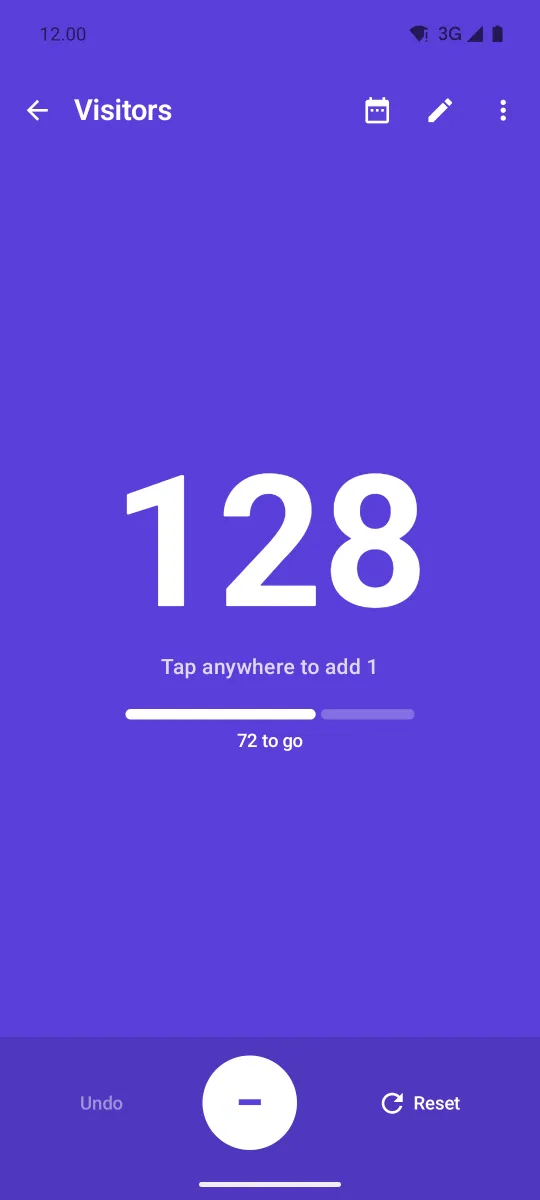
Tap anywhere
The counting screen is one big button with a short buzz per tap; volume up adds and volume down subtracts.
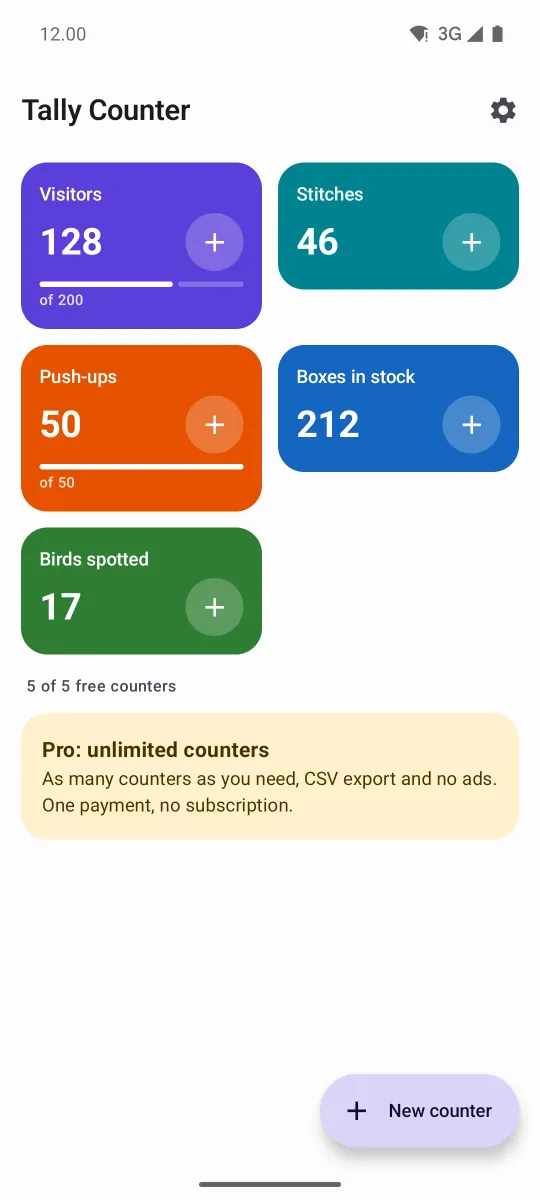
Many counters
Named, coloured tiles with a + on each, so a quick count never needs a second screen.
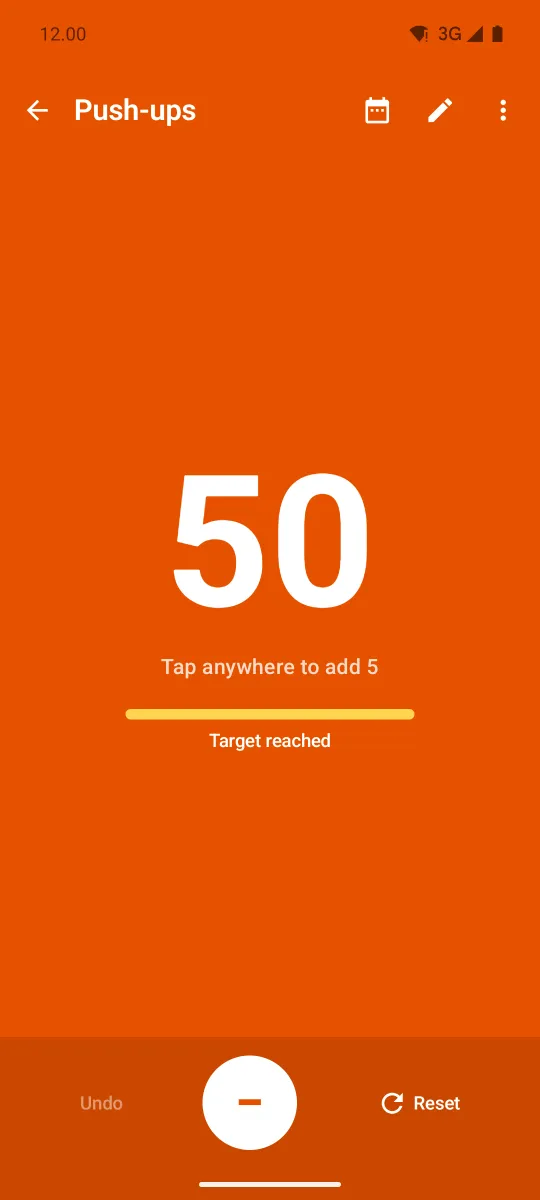
Targets and steps
Count by 1, 5 or 10, start anywhere, stop at zero or allow negatives, and get told when the target is reached.
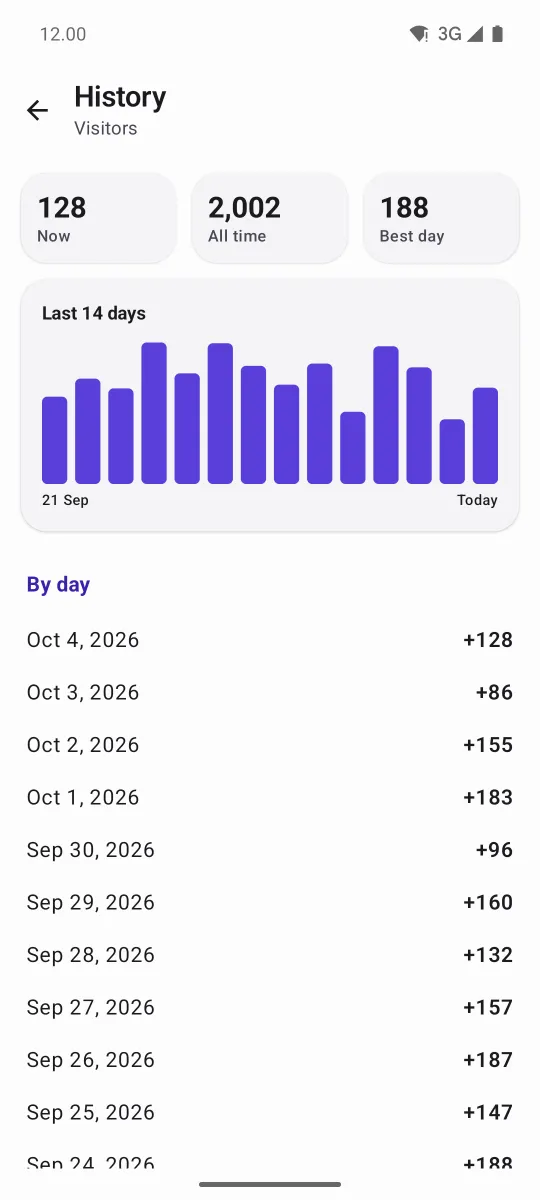
Daily history
A total per day rather than per tap, so thousands of taps never slow the app down; resets are logged with their old value.
Home-screen widget
Any counter on the home screen, counting from its + button without opening the app.
CSV export
Every counter and its daily history, handed to a spreadsheet or email through the share sheet.
The numbers behind it
Taken from the PRD and the code.
Languages
8locales
English, Spanish, Portuguese, German, French, Turkish, Indonesian and Dutch.
Free counters
5counters
Counting itself, history, volume keys and the widget are never limited.
Write delay
300ms
Taps land in memory at once and are saved behind them; leaving the app saves at once.
JVM tests
14tests
Counting rules, history, CSV and the write-behind store, without an emulator.
What leaves the device, and what doesn't
Counter names and counts are never part of it.
- No account, no sign-in, no backend. Counters live in the phone's own storage; there is no server to send them to.
- No microphone, no sensitive permission. Vibration and the click sound use Android's touch feedback, which needs none.
- The connection is used for two things: loading the banner and, if chosen, Google Play's purchase flow. Counting works in airplane mode.
- CSV leaves only when you send it. The export opens the share sheet; the file goes where you choose and nowhere else.
- Ads through Google AdMob, never full-screen. A banner on the list and history only; AdMob reads the Advertising ID, and Pro removes it.
Tally Counter is the tenth app in my apps factory and came straight off my idea board, where it ranked second of 43: little effort, two leaders with a million installs each, and a middle tier of apps that have not been updated in a year or more. The list of what to build was written by the competitors’ own reviews.
The one technical decision worth noting is the write-behind store. The obvious design writes to storage on every tap; on a fast count that is exactly where taps go missing. Here the count changes in memory and is written a moment later, and a test caught the one way that could still lose a change: a signal sent before anything was listening for it.
The app’s privacy policy lives on its own page.