A Three-Way Theme Toggle: System, Light, Dark — Not Just prefers-color-scheme
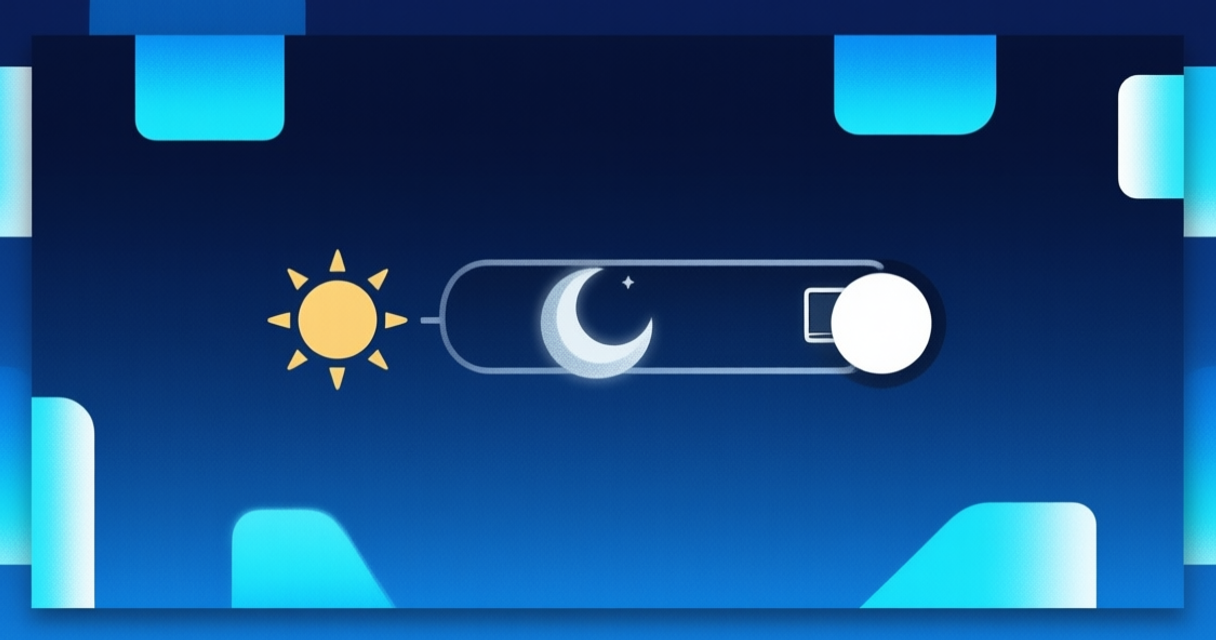
This site has a theme button in the nav that, on click, cycles through three states: system → light → dark → back to system. I originally assumed just following prefers-color-scheme with no manual control was enough — that’s the “correct” approach in theory, following the OS preference. But there turned out to be a good reason to add an explicit toggle, and the reason only became obvious once I thought about who actually visits this site.
Why prefers-color-scheme alone isn’t enough
Some visitors have their browser/OS set to light by default — a work laptop with an IT policy forcing light mode, say — but personally prefer reading long text in dark mode, or the reverse. A static site has no way to know that personal preference if it only relies on the OS signal. I ran into the reverse case myself: my personal laptop defaults to dark, but during the day in a bright room, I actually prefer reading in light mode. If this site only followed the raw OS setting, I’d be annoyed at my own site every afternoon.
The implementation uses a Tailwind custom variant
Instead of Tailwind’s built-in dark: variant, which by default follows the media query directly, I override it via @custom-variant dark (&:where([data-theme="dark"], [data-theme="dark"] *)); in global.css. So every dark: class across components now follows the data-theme attribute on the <html> element instead of the raw media query.
The logic itself lives in a client-side script (ThemeToggle.astro). There are three modes — system, light, dark. When the mode is system, the resolved theme follows window.matchMedia('(prefers-color-scheme: dark)'), so it still follows the OS by default. Once the user clicks the toggle, the mode gets saved to localStorage and the data-theme attribute is set directly, overriding the OS signal.
A small detail that turned out to matter
Every localStorage and matchMedia access is wrapped in try/catch, and this isn’t defensive coding for its own sake — I actually hit the problem. While testing in Safari’s private browsing mode on iOS, localStorage.setItem can throw a QuotaExceededError even when there’s plenty of quota left, because Safari deliberately blocks writes to localStorage in certain private modes. Without the try/catch, the toggle would throw an unhandled exception and stop the script mid-execution, which is worse than just failing to save a preference — the whole page could fail to render the theme correctly. So the fallback now quietly defaults when that API isn’t accessible, and the site still renders correctly even if the preference doesn’t persist across sessions.
I also added a listener for runtime OS changes — if the mode is still system and the user switches their OS preference mid-session (not a page reload), the site’s theme updates automatically without a refresh. It’s a small detail that maybe no visitor would consciously notice, but without it, the site would feel “broken” in a way that’s hard to articulate — a theme that doesn’t update even though the OS preference clearly changed.
I originally assumed the simplest solution was having no toggle at all, just relying fully on the OS. It turns out the better version isn’t “simple in an absolute sense,” but “give the user control without forcing them to configure anything” — the default still follows the OS, but an override is there for anyone who needs it, including me, most afternoons in a bright room.